Motion design
Andre Ellis
Runs a small motion design studio in Nashville and makes large social campaigns for global brands.
Teaches you
- After Effects
- Illustrator
- Photoshop
Course · 7 lessons plus Start Here
Your first real motion pieces, from a blank After Effects file to a finished short you are proud of.
Andre Ellis$497or 3 monthly payments of $179
Start any day · Yours for life · 14-day refund
7 projects
Every lesson ends with a real piece, made in the tools the industry uses, for your portfolio.
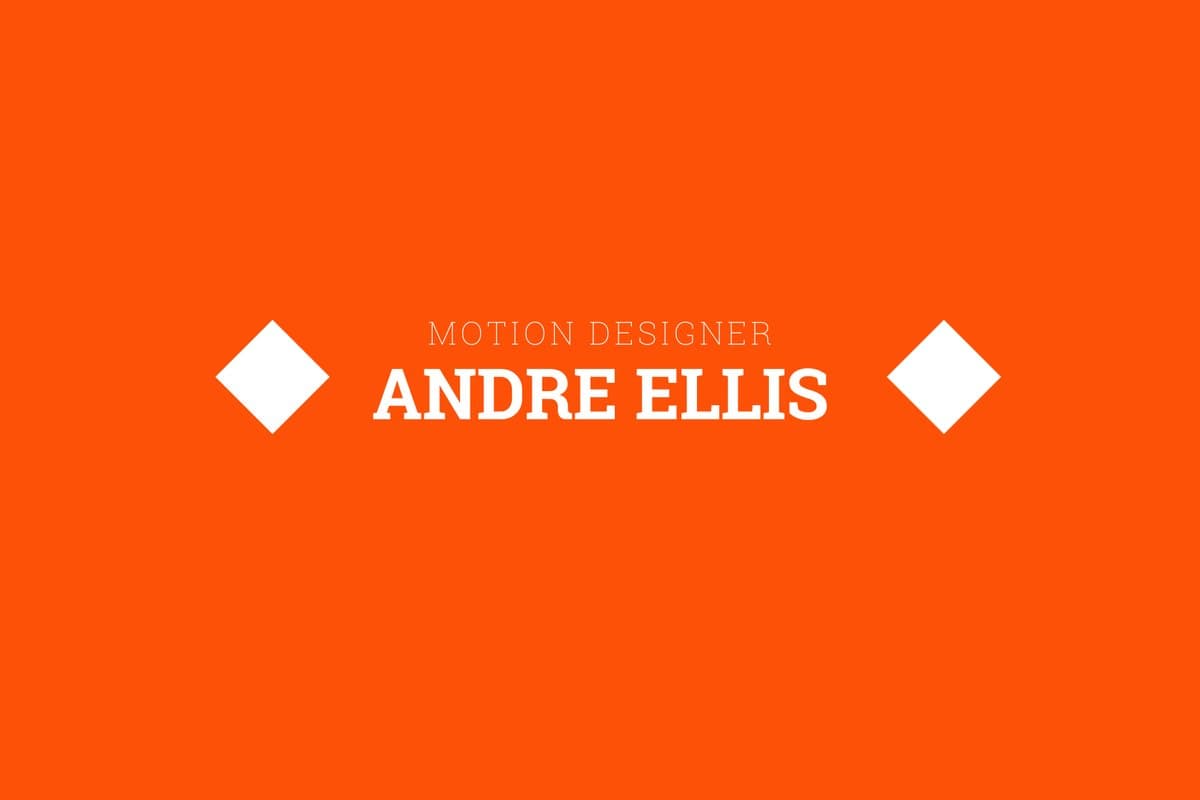 Project 1An animated name lockup in After Effects
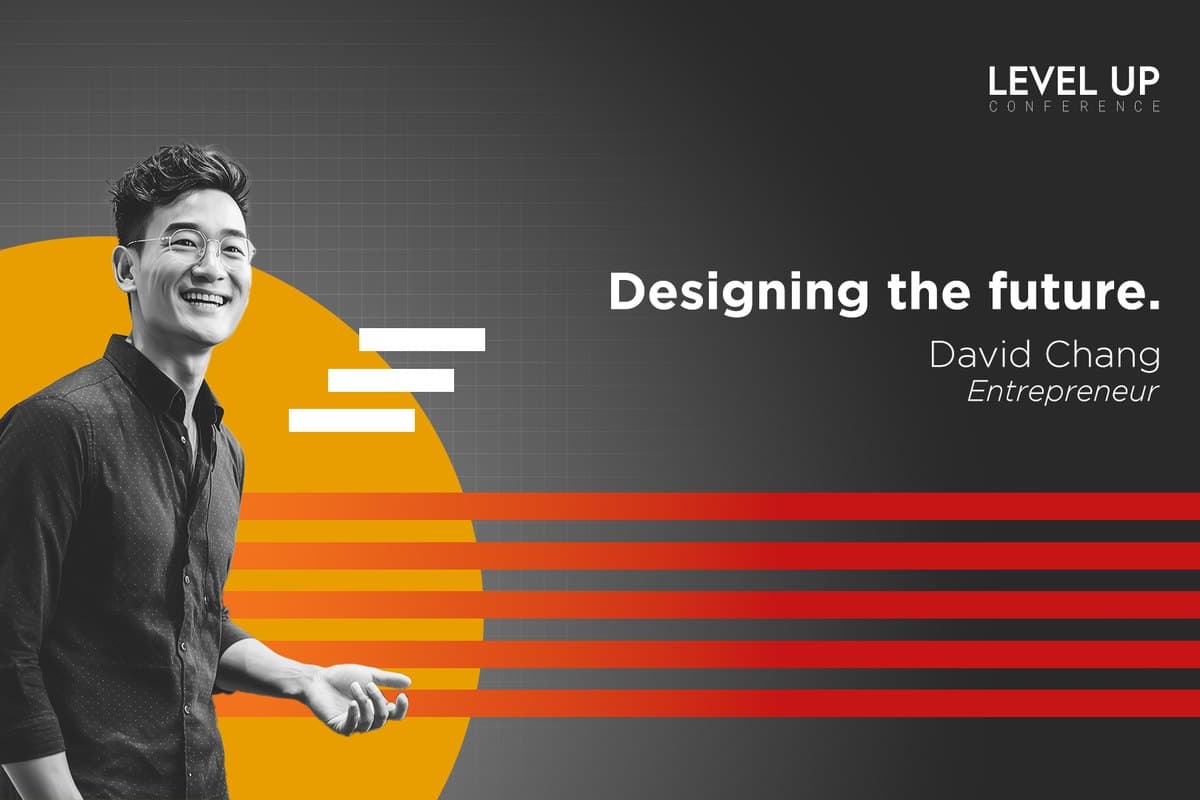 Project 2A speaker introduction poster in Photoshop
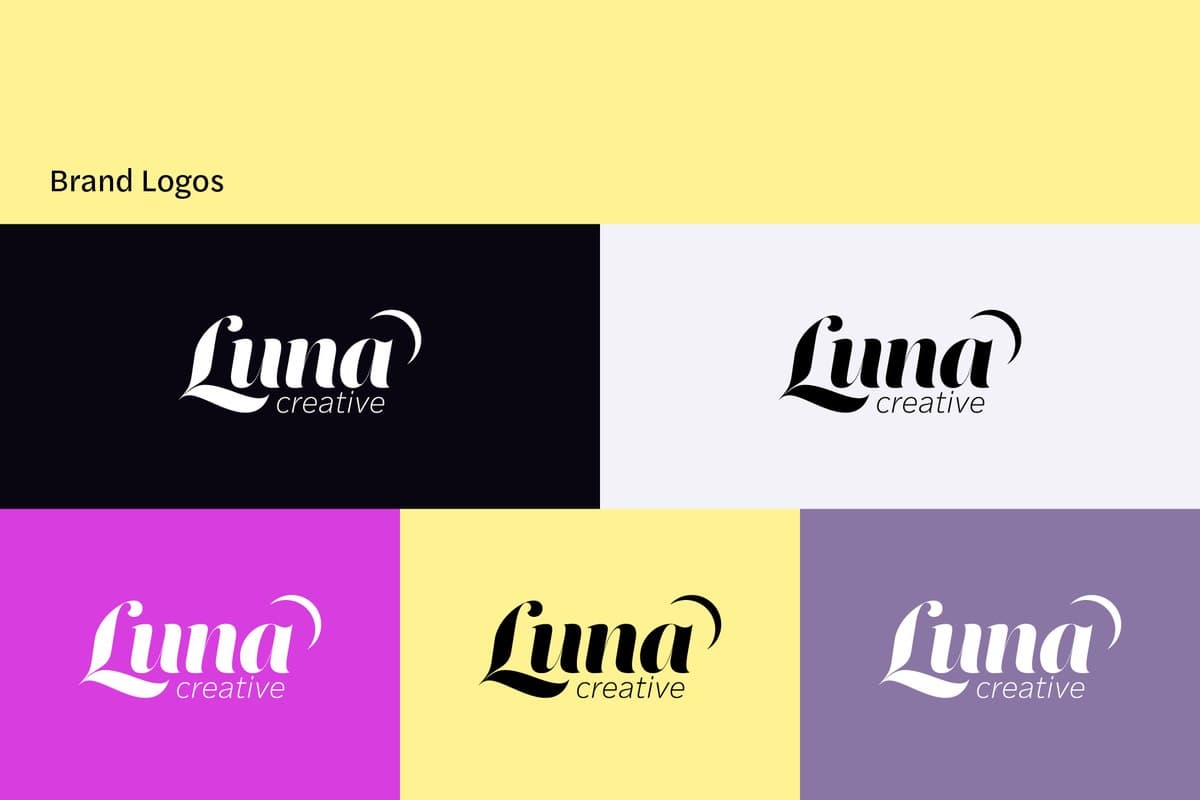 Project 3A mini brand kit: a logo, two typefaces and a palette
7 lessons · 19 h of video
Six lessons and a final project in three parts that introduce the tools motion designers use every day, After Effects, Illustrator and Photoshop, and your first real taste of design and animation principles.
Before Lesson 1
Motion design
Runs a small motion design studio in Nashville and makes large social campaigns for global brands.
Teaches you
How it works
When you finish a lesson, you make the homework and upload it to the course.
A working designer on the Jumpstart team looks at it and leaves plain, specific notes on the piece: what is working, and what to try next. Make a new version, upload it again, and see how far it has come.
The person who looks at your homework may be your teacher or another instructor. Either way, it is a real professional, not a forum and not a bot.
Start Here and Lesson 1 open the day you start. Lessons 2 to 6 then open one a week, at 9 am Central on the weekday you started, and the three parts of the final project open together in week 7. Nothing closes, so take the time you need.
Before you start
Motion Design Crash Course
If the course is not for you, ask for a refund in your first 14 days and you get your money back.
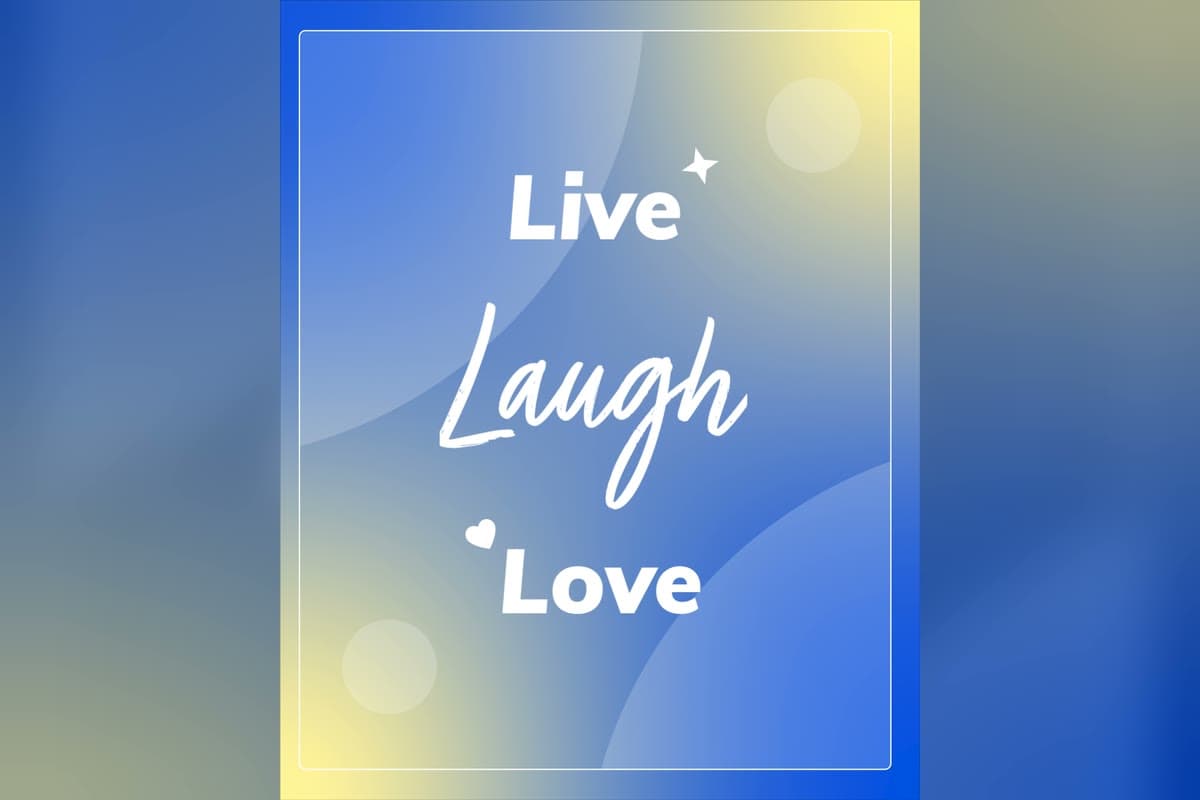 Project 5Kinetic type from a quote
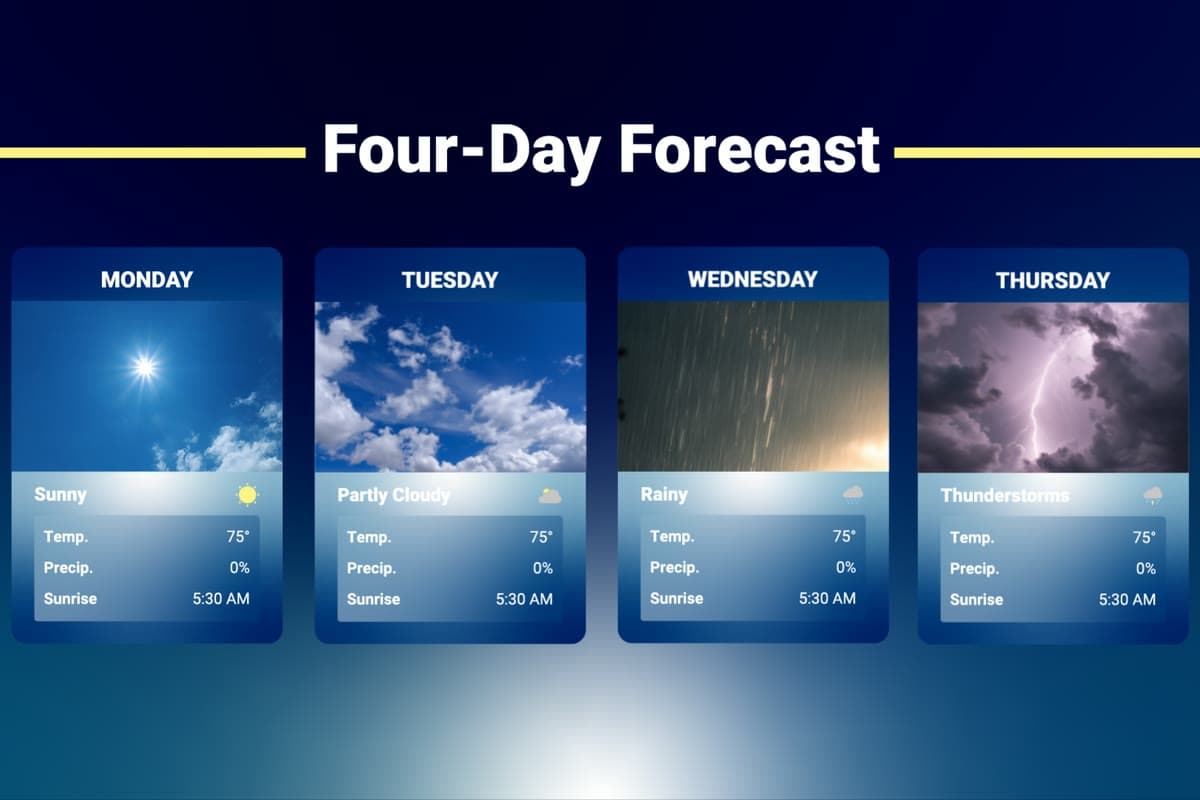 Project 6A themed icon set on animated info cards
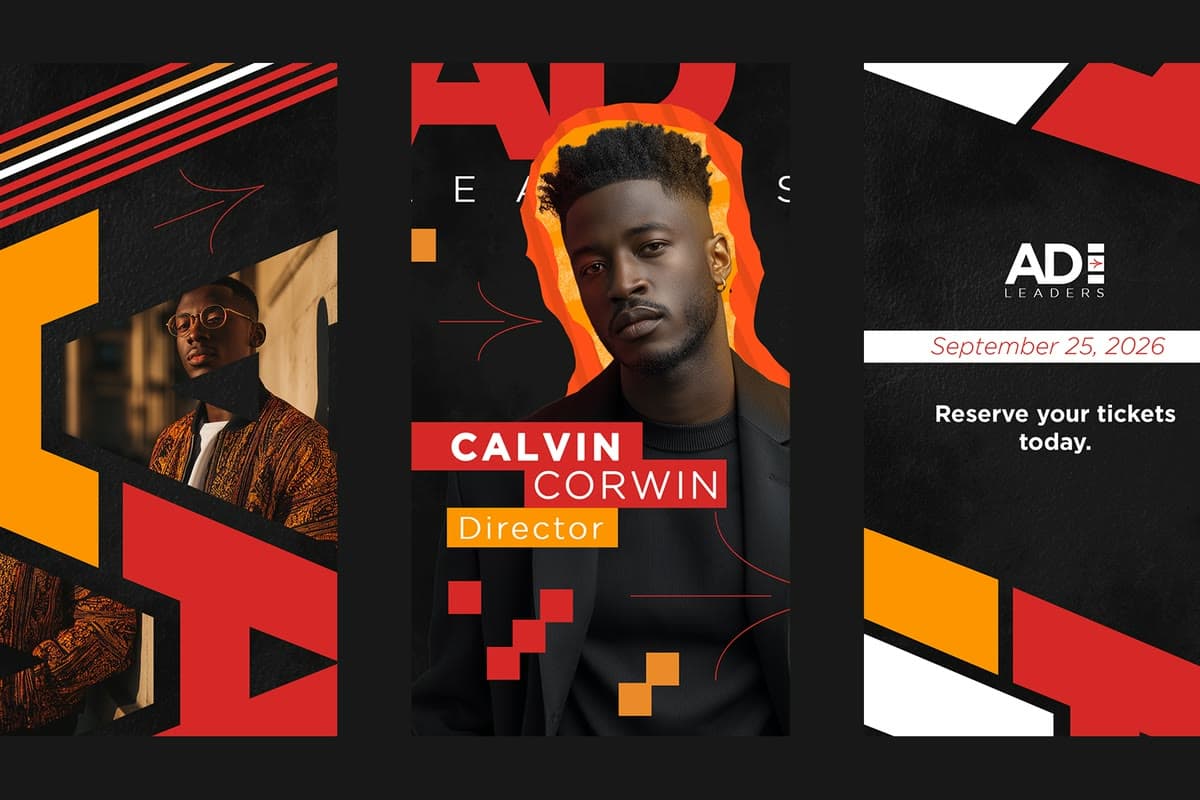 Project 7A final project: three moodboards, four style frames and a 10 to 15 second vertical video
What motion design is, where it came from, who does what on a team, the tools to learn first, and your first animation.
Motion ready files, non destructive editing, clean cutouts, compositing, and layers someone else could animate.
Vector drawing with the Pen, Shape Builder and Pathfinder, type, color and a small brand kit ready to move.
Compositions, keyframes, the five transform properties, layers, shape layers and masks.
Moving text that stays readable and says as much through how it moves as through what it says.
The principles behind icons that read at a glance, the 24 x 24 keyline grid, and icons animated as a system.
A full client style project: reading the brief and planning, moodboards and style frames, then preparing assets and animating the final piece.
By buying you agree to the Terms of Service. Read the Refund Policy and the Privacy Policy.