Robbie Patton on motion design and filmmaking
Filmmaker Robbie Patton on why editing and cinematography matter for motion designers, plus the full interview and the film skills that carry over.
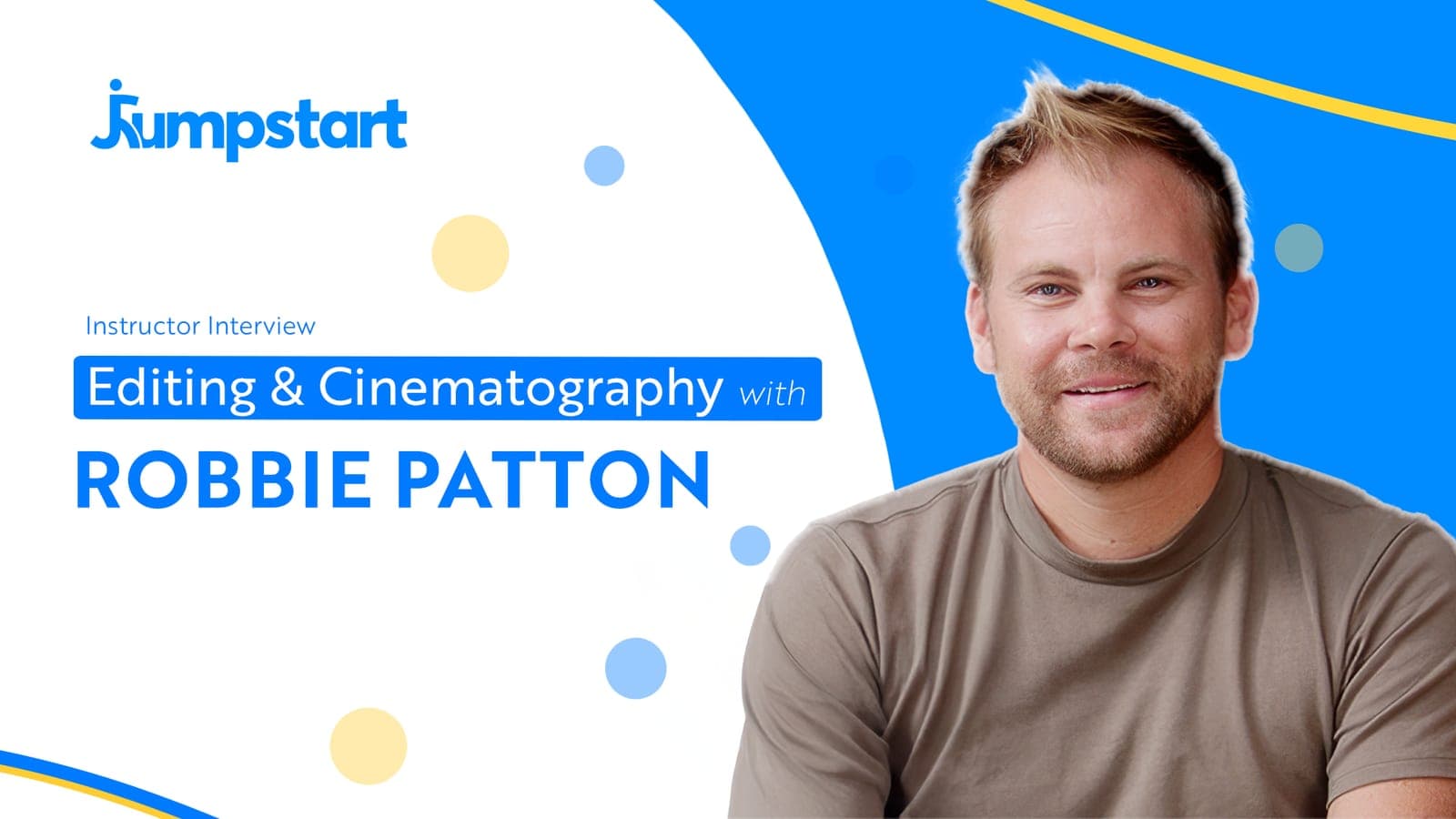
Filmmaking skills help a motion designer because the two crafts share the same core: composition, pacing and storytelling. A motion designer who can frame a shot, cut to a rhythm and build a sequence that goes somewhere tends to make work that holds attention. In this interview, Robbie Patton, who teaches filmmaking at Jumpstart, talks about why video editing and cinematography matter for motion designers.
Watch the interview
Who Robbie Patton is
Robbie is a filmmaker and photographer whose work includes projects for Blackbaud, HubSpot and Uber Freight. He started as a filmmaker, spent six years as a professional video editor at Watchtower, and then launched his own production company, making branded content and commercial videos. His strengths are storytelling, cinematography and editing.
In the conversation he talks about how editing and filmmaking feed into a motion design career. You can read more about him on the teachers page.
Film skills that carry over into motion design
The notes below are our own, on how film skills carry over into motion work. They are not a transcript of the interview.
Composition
Cinematography is the craft of deciding what is in the frame and where it sits. Motion design makes the same choices: where the subject goes, how much space surrounds it, what leads the eye. Film gives you a vocabulary for it. A wide frame sets the scene; a close frame tells the viewer what matters. Motion designers who think in shots tend to stop filling every frame edge to edge.
Pacing and editing
An edit is a run of decisions about how long to hold and when to cut. Hold too short and the viewer misses the point. Hold too long and they drift off. A motion piece is edited the same way, scene by scene, and usually to music. Editing trains you to feel when a beat has landed and the next one should start.
Storytelling
A good sequence has a beginning, a turn and an end, even in a short social ad. Editors learn to find that shape in loose footage. Motion designers can bring the same shape to a set of scenes, so the piece builds instead of listing one graphic after another.
Working with footage
A lot of motion work sits on top of live action: titles, lower thirds, callouts and graphics tracked to a moving shot. Knowing how footage is made helps it fit:
- Set your After Effects composition to the footage's frame rate, so movement matches the shot.
- Match motion blur and grain, so graphics sit inside the shot rather than on top of it.
- When you can talk to the crew before the shoot, ask for room in the frame where the graphics will go.
Speaking the crew's language
Motion designers often work beside directors, editors and camera operators. Shared vocabulary (shot sizes, coverage, frame rates, delivery formats) makes the handoff between the edit and the graphics smoother, and makes you easier to work with.
Generated shots still need an editor
A video generator hands back a shot. It does not hand back a sequence. Someone still decides how long to hold it and where to cut, which is the editing work described above.
The same goes for the AI features inside editing apps. Text-based editing in Premiere Pro lets you cut an interview by editing its transcript, and Auto Reframe moves the crop for a vertical version. Both take a lot of mechanical work off your plate. Neither knows which line is the turn in the story, or which framing leaves room for your graphics.
Generated footage has its own tells, such as light that shifts between shots and a camera that moves for no reason. An editor's eye catches those and decides whether a shot can stay in the cut.
Our view: coverage got cheaper, and choosing did not. Choosing is the skill worth learning, with whatever tools save you effort along the way.
This week, collect ten clips on one subject, generated or stock, and cut a fifteen second sequence to a piece of music with a turn in the middle. Then list the clips you left out and the reason for each.
Start on the motion side
The motion half of this pairing starts with the basics: what motion design is, the tools of the trade, and a first animation in After Effects. That is Lesson 1 of Motion Design Crash Course, Motion Design Foundations, and it is free: start the free lesson.