A realistic roadmap for learning motion design
What to learn first, what comes next and how to tell you are ready to move on, from animation principles to a portfolio and paid work.

Nobody can honestly tell you how long it takes to learn motion design. It depends on how much you practice, whether anyone critiques your work and what kind of job you want. What you can control is the order you learn things in, and that is what this roadmap gives you: six stages, each with a sign that you are ready for the next.
The order matters more than the pace. The common mistake is skipping a stage: taking on client work before the basics hold up, rushing projects, or waiting for skills to "click" without deliberate practice. That road ends in frustration.
Stage 1: learn how motion works
Everything starts with the animation principles. Timing is how many frames a move takes. Spacing is how the object travels across those frames. Easing is how it speeds up and slows down. Skip these and your animation looks mechanical, however good the artwork.
Design matters just as much. Weak type, a cluttered composition or muddy color will sink the smoothest animation. Strong motion designers treat design and animation as one skill, not two.
What to practice:
- A bouncing ball, then the same bounce with different easing, so you see what spacing does.
- A single word animated on screen, judged on whether it stays readable.
- Still layouts (a poster, a title card, a social graphic) judged on hierarchy and contrast before anything moves.
You are ready for stage 2 when you can look at a weak animation and say why it looks wrong: the timing is even, the ease is missing, the eye has nowhere to land.
Stage 2: learn the three core tools
Start with three Adobe apps that are built to work together:
- After Effects for animation and compositing.
- Illustrator for vector artwork: logos, icons, type layouts.
- Photoshop for raster images, textures and compositing.
Add the rest when a project calls for it: Blender (free) or Cinema 4D for 3D, Premiere for editing longer pieces, Rive or Lottie for app and interface animation. Motion Design Crash Course follows the same order: Photoshop for motion design, then Illustrator for motion design, then After Effects fundamentals.
Learn each tool by making something, not by touring its menus. Build a layered Photoshop file and a vector illustration, then bring both into After Effects and animate them.
You are ready for stage 3 when you can set up a composition, keyframe position, scale, rotation and opacity, apply easing, and render a clean file without a tutorial open.
Stage 3: stop following tutorials and make things
Tutorials teach buttons. Original work teaches judgment, because nobody tells you the next step. Do not wait until you feel ready. Pick small briefs and finish them:
- an animated logo
- a kinetic type piece built around one quote or lyric
- a small icon set that animates in
- a social post or a short explainer moment
Kinetic typography and icon animation make good early projects because they force design and motion together. They are also the fifth and sixth lessons of Motion Design Crash Course.
You are ready for stage 4 when you have finished several pieces that started from a blank file, and the newest is clearly better than the first.
Stage 4: take one project from brief to delivery
A real job is more than animation. You read a brief, ask questions, settle a direction, design frames, prepare files, animate, render and deliver. Do it once end to end, even on a brief you wrote yourself, and you learn how the stages depend on each other.
A workable sequence:
- Write or find a brief, and list the questions you would ask the client.
- Make three moodboards that point in different directions, then choose one.
- Design key style frames before you animate anything.
- Prepare the design file so every moving element sits on its own named layer.
- Animate, render at the delivery size and check it on the screen it is meant for.
This is the shape of the three part final project in Motion Design Crash Course: client communication and project planning, then moodboards and style frames, then preparing assets and animating.
You are ready for stage 5 when you have one piece you can explain from brief to final file.
Stage 5: build a portfolio and reel
Your portfolio is your first impression, and people judge what they see, not where you learned it.
- Open strong. A slow intro loses the viewer.
- Fewer, better pieces. A short reel of polished work beats a long reel of average work.
- Show range. Different styles and techniques, not the same trick five times.
- Treat personal projects like real ones. A clear brief, finished properly, presented well.
The full detail is in how to create a winning motion design portfolio.
Stage 6: get the work seen
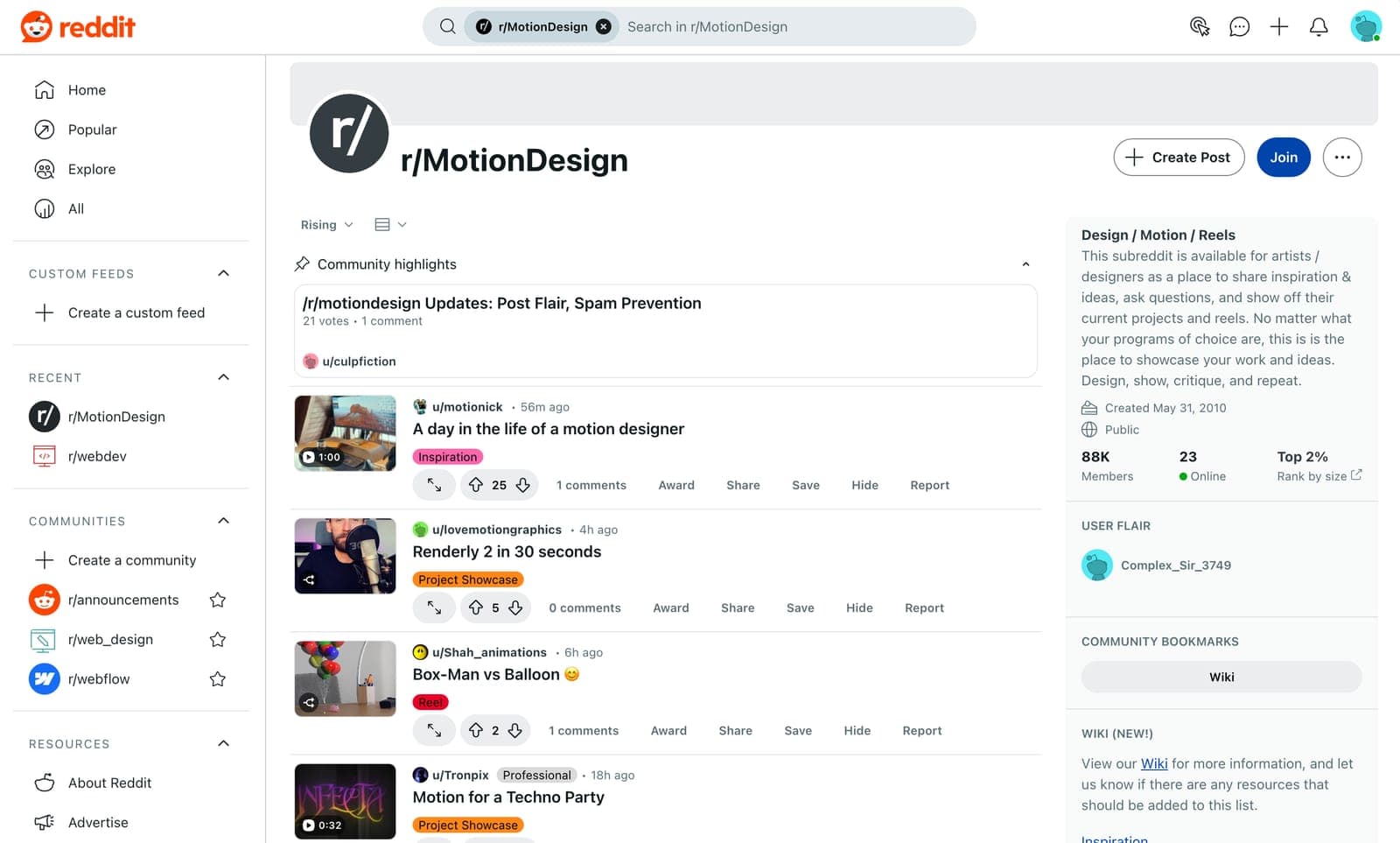
Many opportunities come from people, not application forms. Share finished work and ask for critique in public communities. Build relationships beyond other designers, too: business owners, brand teams and producers are the people who hire. LinkedIn, social platforms and industry events all help.
Then pitch and apply. When you compete with applicants who hold degrees, compete on results rather than credentials. Motion design hires on what your portfolio proves you can do, and a degree is not required. Small freelance jobs and personal projects count: each one adds a piece and a bit of confidence.
Where AI tools fit on the roadmap
The stages above do not change because AI tools exist. What changes is when they earn a place.
In stages 1 and 2 we think you learn more without them. If a tool sets your easing, you never feel what spacing does, and later you cannot judge the tool's output either. The readiness test for stage 2 works on generated motion too: can you watch it and say why it looks wrong?
From stage 3 on, tools can help. They are good for references and moodboards, and for placeholder art while you design the real thing. Keep the decision each stage is teaching in your own hands, such as the direction you choose in stage 4 and what you cut from your reel in stage 5.
The tools keep changing, and a roadmap built on one of them goes out of date with it. The stages do not. Someone who has worked through them sees what each new tool is good at, and sets it aside when hand work is better.
Your task this week: find one generated animation online, step through it frame by frame, and write two sentences on why it works or does not, using the words from stage 1.
How to keep going without burning out
Motion design is exciting and demanding. These habits keep you moving:
- Balance practice with rest. Rest is part of learning, so build it into your week.
- Find your people. A community that shares and critiques work keeps you motivated and honest.
- Break big projects into small steps. A step you can finish beats a project you cannot start.
- Expect frustration. It is part of learning, not a sign to stop.
The mindset that lasts
Good motion designers do more than animate. They experiment.
- Stay curious. Watch what studios release, then try what you saw.
- Engage with the industry. Follow and talk to the artists and studios whose work you admire.
- Be easy to work with. Collaboration and professionalism count for more than talent alone.
Where to start
If you are at stage 1, the first lesson of Motion Design Crash Course, Motion Design Foundations, covers what motion design is, the roles and pipeline behind a project and the core tools. It is free: watch Motion Design Foundations.