How to create a winning motion design portfolio
What to put in a motion design portfolio and reel, what to cut, where to host it and how to get it in front of the people who hire.

A winning motion design portfolio is a short, curated set of your best work: a reel that opens on your strongest shot, a few projects that show how you think and a clean site that is easy to move around. Together they prove three things: you can design, you can animate and you can take a project from brief to delivery. Anything that does not help prove those three things should go.
Here is how to build each part.
First impressions decide whether anyone keeps looking
Hiring managers and clients tend to make up their minds early, often on the first shot of your reel or the top of your homepage. Put something visually compelling there, so the person looking wants to see more.
What reviewers look for
- Strong design. Contrast, composition and framing, using techniques such as the rule of thirds or the golden ratio.
- Compelling motion. Animation principles used well, so movement feels fluid and deliberate.
- Curation. Every piece is your best work. No filler.
If the opening does not hold attention, the rest of the portfolio may never be seen.
Make a showreel that holds attention
Your showreel is the highlight reel of your work. Keep it short and strong. Reels vary in length, but for a beginner, 30 seconds of excellent work is far better than a longer reel padded with average pieces.
What to include and what to cut
- Open on something striking. If the first shot is weak, many viewers stop there.
- Lead with your strongest work. Do not build up to a big reveal. Start with it.
- Keep the pacing tight and intentional. Cut slow, drawn-out sequences.
- Cut anything that is not your best. One mediocre shot weakens an otherwise strong reel.
Personal work or client work
Beginners often have no client work, and that is fine. Show your best personal projects: they demonstrate creativity and initiative. Once you have paid work, include it only if it meets your standards. A client logo does not rescue a weak piece.
Before you publish, get feedback from experienced designers. Your own opinion is not enough.
Portfolio pieces that show how you think
Employers and clients want to see how you think as much as what you make. A winning portfolio shows process, problem-solving and storytelling, not only finished animation.
Show your process
- Storyboards and style frames show planning and intent.
- Breakdowns of key shots show your technical skill.
- Short case studies set out the project's goal, the challenges and how you solved them.
A well-documented process shows you understand the whole motion design workflow, not only the animation step.
Build one complete case study
The strongest single piece for a beginner is a project you can show from brief to final file. The final project in Motion Design Crash Course is built that way. Across three parts (client communication and project planning, moodboards and style frames, preparing assets and animating), you take one project from a client brief to a finished 10 to 15 second vertical social video at 1080 x 1920. Along the way you make three labeled moodboards in different directions, then four style frames in the one you choose: an intro frame, a transition frame, a feature frame and a final frame.
Presented in order (the brief, the three boards, the chosen direction, the four frames, then the video), that is a complete case study. A reviewer sees how you read a brief, how you choose a direction and how you carry a design into motion.
Tell a story
Motion design is more than moving graphics. Every piece needs a clear purpose, even an abstract one.
- Intent. Each movement and transition has a reason to exist.
- Pacing. Guide the eye from one focal point to the next and hold the piece together. If the motion unfolds in an unnatural way, you lose the viewer.
- Emotion. Work that makes the viewer feel something is the work they remember.
If a piece is technically perfect but has no story, it will not stand out.
Presentation and personal branding
How you present your work matters as much as the work. A cluttered, badly organized portfolio hurts your chances even when the animation is good.
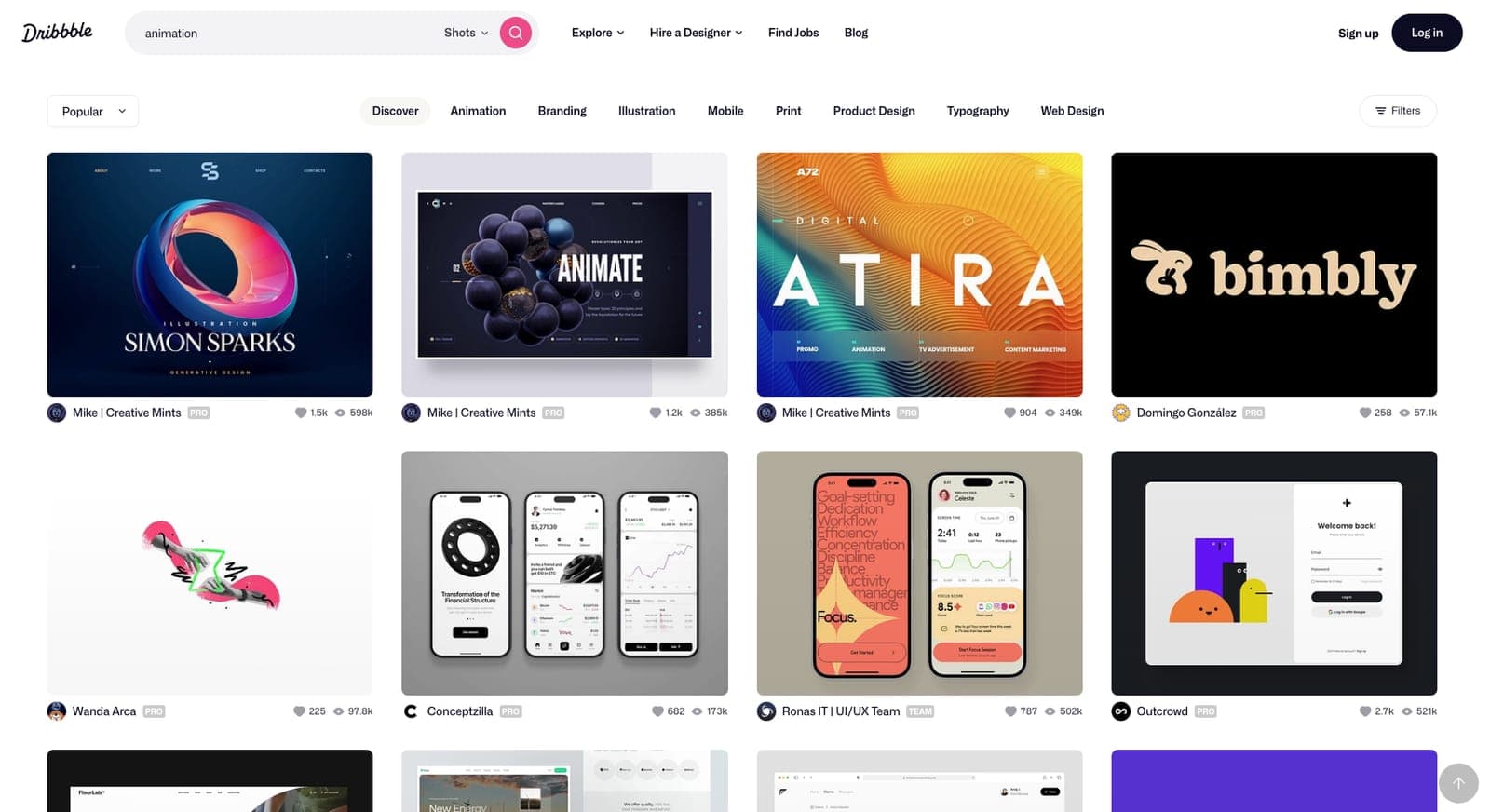
Where to host your portfolio
- Your own website. Full control over layout and branding.
- Behance and Dribbble. Good for exposure, with less control over presentation.
If you are serious about motion design, owning your website shows professionalism and gives you full creative control. Use the platforms for discovery, and point people back to your site.
Get an email address on your own domain too. Nothing says "new to this" like landing in a hiring manager's inbox from [email protected].
Make it cohesive
A winning portfolio feels curated and consistent.
- Use one color scheme and one type system for the portfolio itself.
- Be ruthless about what you include. If a piece does not fit, cut it.
- Keep navigation simple so people find your work without hunting.
Your personality will come through in your personal projects. Do not force a "brand" that feels unnatural.
Get it in front of the right people
A great portfolio is not enough on its own. People have to see it.
- Network on purpose. Posting work and hoping for visibility is not a plan. Make a deliberate effort to connect with the right people.
- Be selective. Instead of sending your portfolio to every studio you find, research the studios and people whose work fits your style and goals. Personal, tailored outreach does better than blindly sending links.
- Present yourself creatively. Think beyond a link in an email: an interactive portfolio site, a short personal video introduction or a reel packaged so it stays with the person who opens it.
Breaking in without experience
- Seek critique from experienced designers before you send your portfolio out.
- Make personal projects at a professional level. Strong work speaks louder than an empty resume.
- Plan your outreach. A short list of the right people beats a pile of blind applications.
Proving the work is yours
A striking still proves less than it used to. Anyone can generate a polished image, and the people who review portfolios know it. Your first shot still has to stop them. After that, the portfolio has to show that the decisions were yours.
The evidence that holds up sits around the finished work. Style frames that clearly belong to one piece. A moodboard and the direction you picked from it. Motion, where timing and easing show a hand at work across hundreds of frames. A case study that names a choice and the option you turned down.
If you used AI tools, say where. A note that a background texture came from a generator, while the layout and the animation are yours, reads as professional. A reviewer who spots an undisclosed generated piece starts doubting the rest.
Using a tool is fine. Letting it make the choices a reviewer came to see is not.
Before the week is out, choose your strongest piece and write two lines under it: what you decided, and what a tool made. If the first line is hard to fill, give that piece more of your own decisions.
Keep it current
Your portfolio is never finished. The strongest ones:
- hold attention from the first shot
- show technical skill and storytelling together
- feel curated, polished and professional
- change as your work improves, with older pieces replaced by better ones
Good motion designers keep refining their portfolios. Start with one complete case study and build from there.
If you want to make that case study and get feedback on it, the three part final project is in Motion Design Crash Course.