A beginner's guide to motion graphics
What motion graphics is, which skills and software to learn first, how to build a portfolio and where beginners find real work.

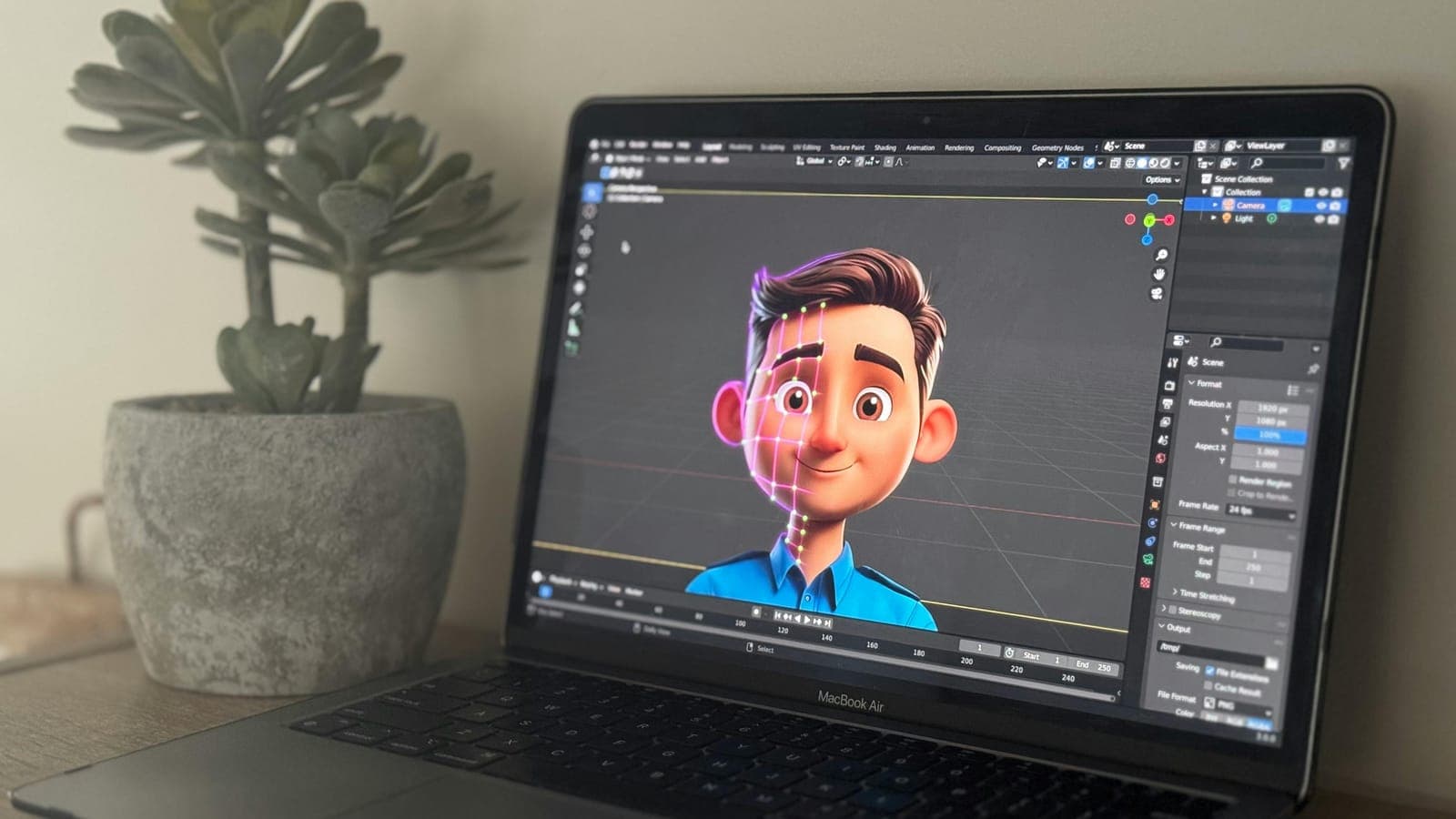
Motion graphics is graphic design that moves: type, shapes, icons and images animated to communicate an idea. To start, learn the principles of animation, get comfortable in After Effects with Illustrator and Photoshop beside it, make small projects of your own and turn the best of them into a portfolio. You do not need to be able to draw.
This guide takes those steps in order, and answers the questions beginners ask most along the way.
What motion graphics is
Motion graphics is animation built from design elements (typography, shapes, icons, photos and effects) rather than characters. Character animation tells a story through performance. Motion graphics carries a message: an ad, an explainer video, a title sequence, an app interface, a social post, a brand identity.
If you are wondering how to learn animation, motion graphics is a good place to start, especially if you like graphic design, video editing and animation and would rather not choose between them.
Step 1: learn the principles of animation
Before any software, learn how movement reads. The 12 principles of animation, set out by Disney animators Frank Thomas and Ollie Johnston in The Illusion of Life, apply to motion graphics as much as to cartoons. The ones you will use on almost every project:
- Timing: how many frames a move takes. More frames feel heavy or calm; fewer feel light or sharp.
- Ease in and ease out: objects speed up and slow down instead of starting and stopping dead.
- Squash and stretch: a change of shape that shows weight and flexibility.
- Anticipation and follow through: a small move before the main action, and a settle after it.
A useful exercise: animate a square from left to right three times, once with no easing, once with easing and once with a small overshoot at the end. The difference between the three is the whole subject in miniature.
Can you learn animation without knowing how to draw?
Yes. Character animation leans on drawing. Motion graphics leans on composition, typography, color and movement, built mostly from digital shapes and type. Sketching helps you plan, but rough thumbnails on paper are enough.
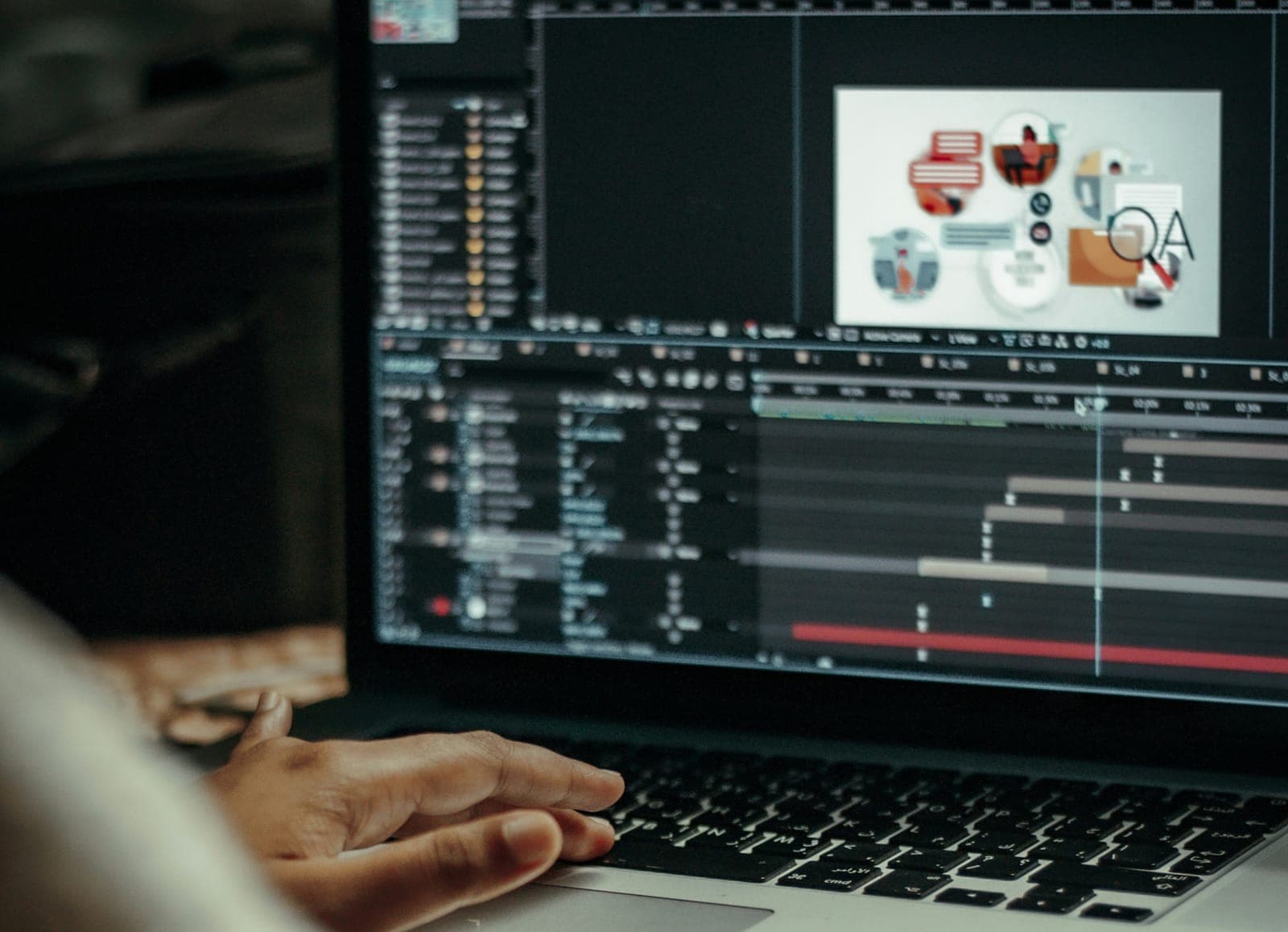
Step 2: get comfortable with the software
These are the tools you will meet most often:
- Adobe After Effects: the main tool for motion graphics animation and compositing.
- Adobe Illustrator: vector artwork such as logos, icons and type layouts that you will animate.
- Adobe Photoshop: raster images, textures and compositing.
- Cinema 4D and Blender: 3D motion graphics and animation.
- Adobe Premiere Pro: editing longer pieces and final assembly.
Start with After Effects, Illustrator and Photoshop, and add the others when a project needs them. If you want to learn 3D animation, Blender is a good first step because it is free and widely used. For how 3D fits into motion work, read our conversation with Reuben Lara.
Step 3: build a motion design portfolio
Employers and clients hire from what they can see. Start with small personal projects, or join online challenges that push you to experiment. Aim for range: UI animations, title sequences, explainer videos and kinetic type.
Keep your early work. A record of your progress shows you, and later an employer, how you have grown.
How long does it take to learn animation? There is no honest single answer. It depends on how much you practice, whether anyone critiques your work and what you are aiming for. Measure progress by finished pieces, each better than the last, not by the calendar.
For the full method, read how to create a winning motion design portfolio.
Step 4: choose how you will learn
There are four common routes, and each suits a different person:
- Free tutorials. Excellent for single techniques. You design the path yourself, and nobody checks your work.
- Self-paced platforms such as Skillshare and Udemy. Flexible, and you learn at your own pace.
- Colleges and trade schools. A structured program and a credential, for a bigger commitment of money. If you are weighing a degree, look at the classes the program actually teaches (design fundamentals, animation, the core software) and the portfolio you would leave with. Read do you really need a degree for motion design first.
- Structured online courses with feedback. A set curriculum, assignments and someone reviewing what you hand in.
Whichever route you take, look for two things: projects you finish, and feedback on them. The reality of learning animation online explains why.
Step 5: gain real-world experience
Applied work teaches what exercises cannot: briefs, revisions and deadlines set by someone else.
- Freelance projects. Sites like Upwork and Fiverr can bring small gigs and your first clients.
- Internships. Some studios take on beginners as interns, which puts you inside a real production.
- Networking. Connect with other motion designers, potential clients and hiring managers on LinkedIn and at industry events.
Opportunities often come through people as well as job boards, so start building those connections early.
Step 6: understand where the work is
Motion designers work across many fields. Knowing them helps you choose what to put in your portfolio.
- Tech, UX and UI: interface animation, onboarding flows and product videos that make digital products easier to use.
- Advertising and marketing: animated ads, social content and explainer videos.
- Gaming and entertainment: title sequences, broadcast graphics and 3D work.
For a closer look at the jobs themselves, read what a motion designer does and why motion graphics is a high demand career.
Is it worth learning this when AI can animate?
Yes, and the reason is in the definition at the top. Motion graphics carries a message. A tool can make things move. Deciding what the message is, and what the viewer should see first, is the work, and it is what a beginner is really learning.
That work now happens beside AI tools. Generators make backgrounds and textures, and assistants answer software questions or write a first draft of an expression. Use them when they serve the piece. Understanding timing and easing is what makes them useful to a beginner: you can tell when the output is off and fix it by hand.
What we would not do is skip the principles because a tool exists. Without them, every generated result looks about as good as the last, and you have no way to make it better. Tools come and go. The principles in step 1 came from hand-drawn animation, and they still apply.
Do the square exercise from step 1 by hand this week. Then give a video generator the same move in words: a square that slides left to right and settles with a small overshoot. Compare where each version slows down.
Where to start
Learning motion graphics takes practice, a plan and the habit of finishing things, whichever route you choose. A good first step is the free first lesson of Motion Design Crash Course, which covers what motion design is, where you see it, the roles behind a project and the core tools: watch Motion Design Foundations.