What does a motion designer do? Roles explained
What a motion designer does, how a project runs from brief to delivery, and the roles and ways of working open to you.
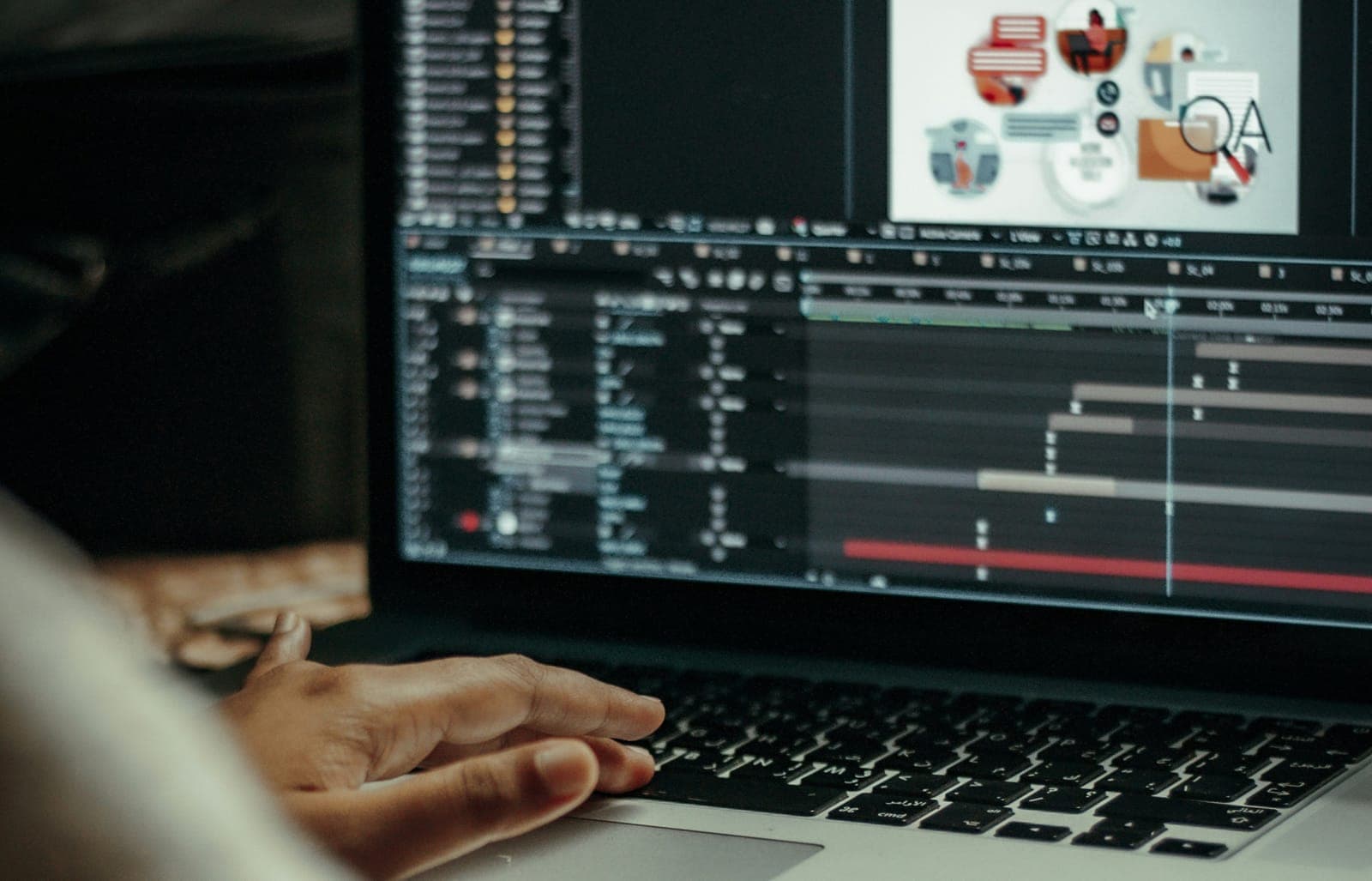
A motion designer takes static design (type, shapes, illustration, photos) and makes it move so it communicates something. That covers social ads, explainer videos, title sequences, broadcast graphics, logo animations and the small animations inside apps. Day to day, the job is reading a brief, designing frames, animating them, mostly in After Effects, and delivering files that fit where they will play.
Motion design sits where graphic design meets animation. It is a branch of animation, but it leans on design more than on character acting.
Where motion designers work
The same skills show up in very different places, and each one asks for a different kind of motion.
- Marketing, advertising and social. Ads, launch videos, social posts and explainers. The motion here tells a story and holds attention. After Effects and an editing app do most of the work.
- Tech and product. Micro-interactions, transitions, loading states and onboarding screens in apps and websites. The motion here guides the user and has to be precise. Rive and Lottie are common tools, because they put animation straight into the product.
- Broadcast and entertainment. News, sports and weather packages, film and streaming title sequences, YouTube graphics.
- Public spaces. Digital billboards, animated menus, airport signage, stage visuals and projection mapping.
The hard part is switching between them. Product motion has to be functional and invisible. Marketing motion has to make people feel something. Knowing which one a project needs is part of the job, and it is also how many designers choose a specialty.
The roles on a motion team
On a large project, several people share the work:
- Motion designer or animator: builds the animation, usually from approved frames.
- Graphic designer or illustrator: designs the frames, characters and assets that get animated.
- Art director: owns the look and keeps every frame consistent with it.
- Creative director: owns the idea and the story, and presents it to the client.
- Producer or project manager: keeps the work on budget and on schedule.
Specialists join as projects grow: compositors, sound designers, riggers and editors. On a small team or a solo freelance job, one person often covers several of these roles at once.
How a motion design project runs
Most projects follow the same four stages.
- Brief. The request is often a sentence or two. "A video for Instagram" could mean a Story, a Reel or a feed post, and each has its own size and length limit. The designer asks about platform, deliverables, revision rounds, audio and who supplies the brand assets, then clarifies the audience and the message.
- Storyboards and style frames. Storyboards plan each scene's composition, movement and timing. Style frames are polished stills that show exactly how the piece will look. When the client approves the frames, they approve the look, which saves rounds of changes later.
- Animation and revisions. The approved frames become motion. Most of the effort goes into timing, spacing and easing, so movement feels natural instead of mechanical. Feedback rounds adjust pacing and clarity until the piece does its job.
- Sound and delivery. Voiceover, music and effects are timed to the animation, often with a sound designer. The final files are rendered in the exact dimensions and formats each platform needs.
Motion works best as part of the brand, not as an afterthought. A consistent motion language (how things enter, move and settle) makes a brand recognizable in the same way its colors and type do.
Studio, in house or freelance
Studios and agencies give you a team, a structure and a steady flow of different clients. Many designers start here to build experience and connections.
In-house roles at a brand or tech company mean one brand, more collaboration with other departments, and the long work of building a consistent motion identity over time.
Freelancing gives you flexibility, but the biggest challenge is finding steady work. A common mistake is networking only with other designers instead of with the business owners and marketers who hire motion work. Pricing is the other trap: beginners tend to undercharge, or charge senior rates before their portfolio supports them. Early on, building the portfolio matters more than the rate.
The animation, revisions and deadlines are much the same in all three. What changes is who you answer to and where the next project comes from.
A day in the work
A typical day mixes project management, animation and client communication. Mornings often go to email, feedback and planning, followed by long blocks of focused animation work.
The part that takes the most effort is fine-tuning: shaping curves in the Graph Editor, adjusting the speed graph and value graph, and nudging timing until a move feels right. Many beginners find this the hardest part to get comfortable with, and it improves with practice.
Plugins help with the repetitive parts. Two common ones:
- EaseCopy: copies easing curves from one set of keyframes and pastes them onto others.
- Overlord: moves shapes from Illustrator into After Effects without the usual import steps.
Less time on repetitive steps means more time on the animation itself.
How motion design compares with other roles
Motion design and traditional animation
Traditional animation is frame by frame drawing, and it is usually built around characters and story. Motion design covers a wider spread: animated type, branding, interfaces, data and graphics. Some studios mix the two, bringing hand-drawn elements into digital motion work.
Motion design and graphic design
Graphic designers often make the move into motion design, because the fundamentals transfer directly: typography, composition, color and hierarchy. The new part is thinking in time, deciding how elements enter, move and leave. The usual starting point is After Effects and the basic principles of animation. Christina Goss talks about that crossover in her conversation about graphic design and motion.
The skills that separate good from great
Two skills take the longest to learn and show the most in the work.
- Traditional animation principles. Squash and stretch, anticipation and follow-through bring weight and character to digital motion. They lift work above plain keyframes and computer interpolation.
- Expressions and procedural animation. After Effects expressions, written in JavaScript, automate repetitive moves, link elements together and keep many versions consistent without keyframing every property by hand. If you want to see one in action, read why your wiggle looks wrong.
Where the role is heading
AI is changing parts of the work, as digital tools did before it. Designers who learn to use AI tools inside their workflow, while still bringing handmade, high-end motion, will have more options than those who ignore them.
Interactive motion is an area to watch. Tools like Rive let designers build animation that responds to the user instead of playing in a straight line, which matters more as motion moves into web apps and software.
The basics do not change: strong design fundamentals, smooth animation and being reliable to work with. Staying adaptable, and specializing in a direction you care about, will serve you whatever the tools do next.
Which roles the tools changed
Every role in the motion team list above still exists. The work inside some of them has shifted, and this is how it looks from where we sit.
Concept and storyboard work moved first. A team can generate many rough directions before anyone draws a style frame, so the art director's job of choosing one and holding every frame to it carries more weight.
Compositing moved too. Tools that separate a subject from its background, such as Roto Brush in After Effects, now handle much of the masking that used to fill a junior compositor's day.
The animator's core work has moved least. Shaping a curve until a move feels right is still done by hand on most of the work we see.
Producers now handle more versions, since variations cost less to make. They also field new questions about what a client may use.
None of this is a forecast. What it does show is judgment sitting closer to the center of every role, and judgment is what our lessons are built to train.
Between now and the weekend, choose one role from that list and find someone in it who shares their process online. Note one task they now give to a tool and one they still do by hand.
How to start
Start small. Many designers began with small freelance jobs on platforms like Upwork or Fiverr and built from there. Keep making work, keep refining your craft and keep learning. For what to learn first, read the motion design skills employers want.
Lesson 1 of Motion Design Crash Course, Motion Design Foundations, covers what the job is, the roles and the production pipeline in more depth. It is free: start the free lesson.